

Downloading Shamrock TV is fast and easy!! Just follow the simple steps below and you'll be streaming your favorite shows in minutes!!
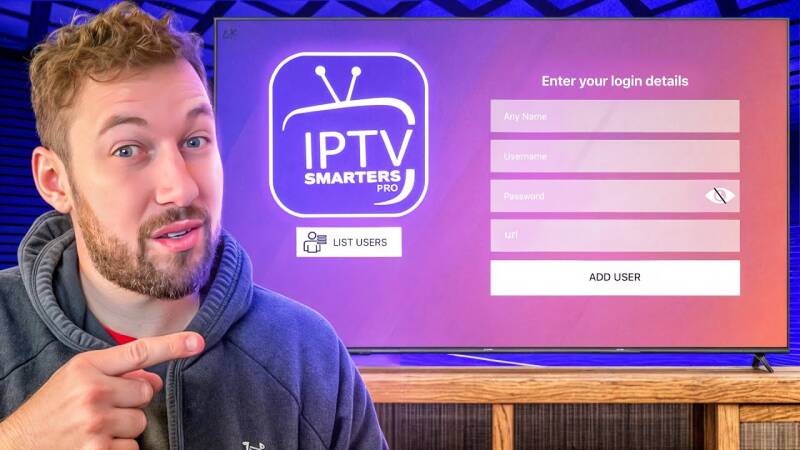
For Apple users, you'll want to download the IPTV Smarters Pro App HERE. Once downloaded, simply select XTREME CODES and fill in the 4 fields with the login credentials provided to you by Shamrock TV. You can name the Playlist anything you like. After login you'll be taken to the home screen where you can choose between Live TV, Movies, or Shows. The EPG button will launch a Live TV guide similar to that you'd see on a traditional cable or satellite box.
For Android/Smart TV users, you'll want to download the app TIVIMATE. You can find it HERE. TIVIMATE comes with a free trial to test it out. You will see the value in the very affordable paid version right away as we have found it to be the BEST player on the market. After installing the app simply create an account and add your Playlist with the login credentials you'll be provided with by Shamrock TV!

Create Your Own Website With Webador